
DACs - Hifiverse audio equipment catalog
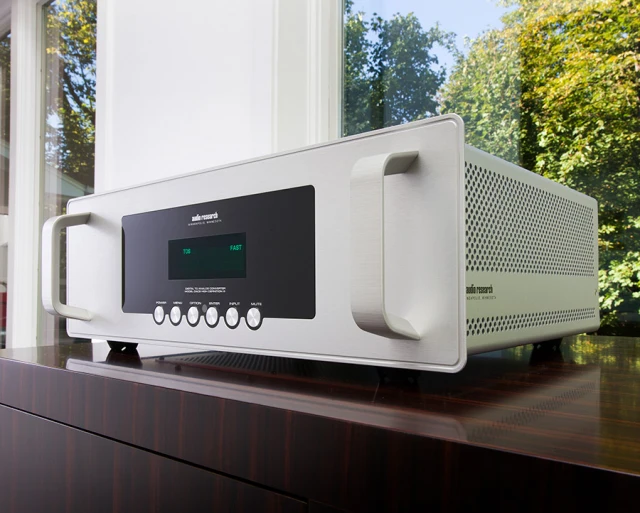
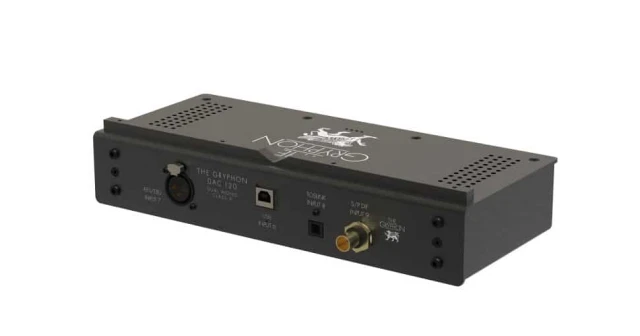
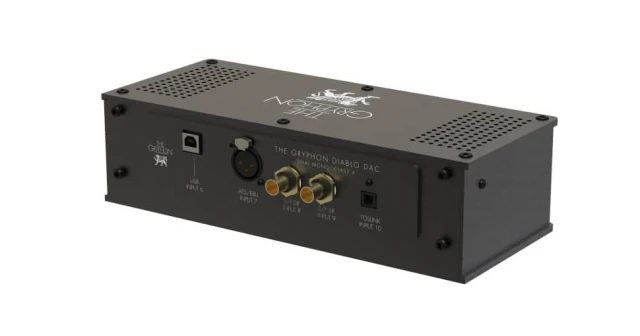
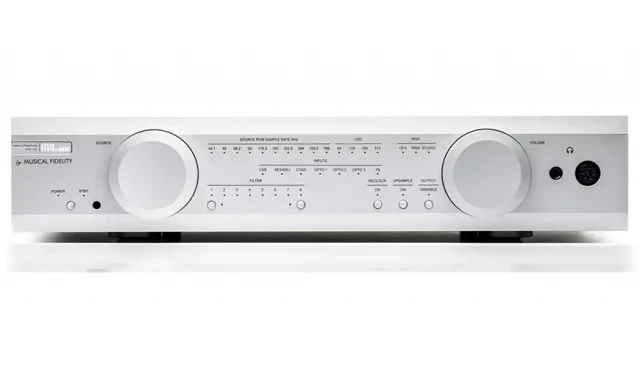
A DAC turns the digital stream from a CD transport, streamer or computer into the analogue signal an amplifier accepts. This subcategory covers standalone converters, from USB-powered desktop boxes to multi-chassis units with separate power supplies and clocks. Players with a built-in converter sit under CD / SACD players and transports, and network sources under streamers Most current DACs accept PCM up to at least 24-bit/192 kHz.





How to choose a DAC
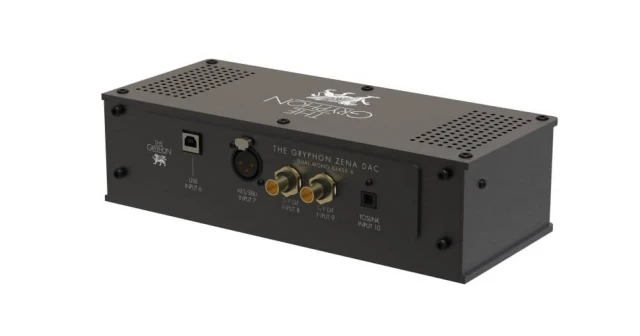
Connections come first. List what your sources output and confirm the DAC accepts it - USB for a computer, coaxial or optical for a CD transport or TV, AES/EBU or I2S for higher-end transports. Optical links usually top out at 96 kHz, while USB and I2S carry higher rates and DSD. Next, pick the conversion approach. Delta-sigma chips are the common route and handle DSD natively, while R2R resistor-ladder designs use discrete precision resistors and suit owners who play mostly PCM. If you keep a DSD library, check whether the unit converts it natively or translates it to PCM first. Then consider the outputs. A balanced XLR output into a balanced amplifier input rejects noise on longer cable runs, and some DACs add a volume control so they can feed a power amplifier directly.
Key specs that matter
Maximum PCM resolution commonly runs from 24-bit/192 kHz to 32-bit/768 kHz, and DSD support from DSD64 to DSD512. Signal-to-noise ratio in well-designed units sits between about 110 and 125 dB. Output level is usually around 2 V RMS single-ended and 4 V balanced, which matters when matching amplifier input sensitivity. Jitter figures, given in picoseconds, describe clock timing accuracy.
Price ranges & what you get
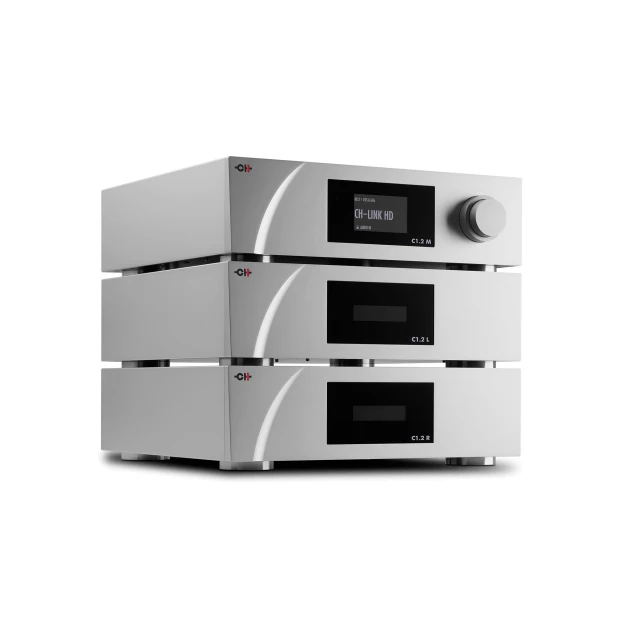
Spending less than USD 500 buys a single converter chip, USB power or a wall adapter and a small set of inputs. In the USD 1,000 to 5,000 tier, converters add discrete output stages, linear power supplies, more digital inputs and selectable filters. Above USD 5,000, expect separate chassis for power and clock, R2R or custom FPGA conversion and fully balanced circuits.
Related subcategories & reading
A DAC needs a digital source, so browse streamers for network playback, PC & Servers for library storage and CD / SACD players and transports for disc playback. Preamplifiers and headphone amplifiers cover the next stage. Our sources articles explain digital interfaces and file formats.