

Streamers - Hifiverse audio equipment catalog
A streamer plays music from a home network or online service and sends it on either as an analogue signal through its own DAC or as a digital stream to an outboard converter. This subcategory covers network transports without conversion as well as streamer-DAC combinations, while library storage devices sit under PC & Servers. Most current units handle hi-res files up to at least 24-bit/192 kHz over Ethernet.


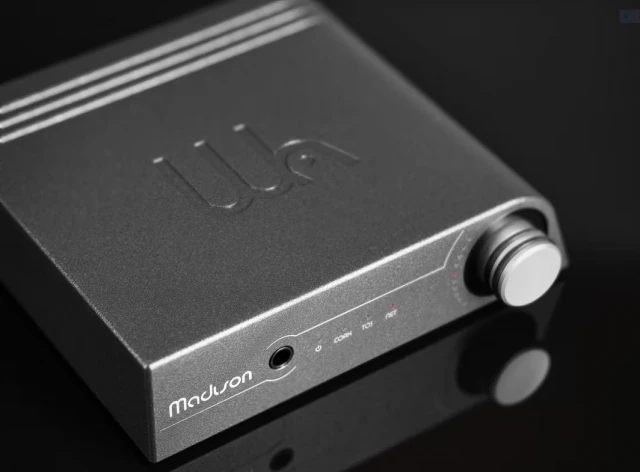
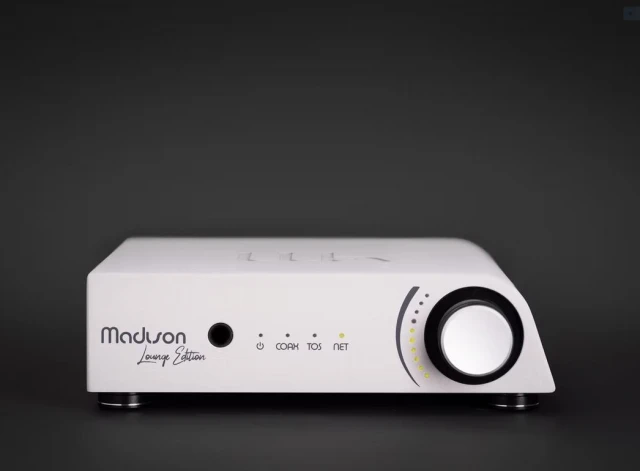
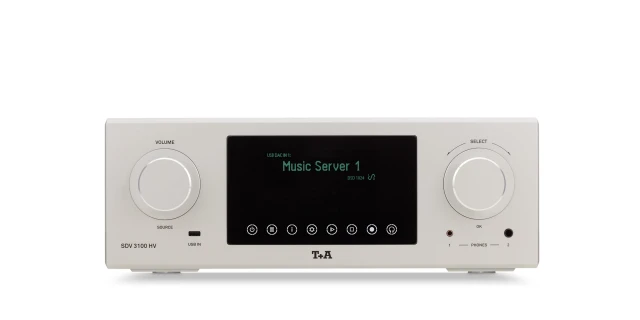




How to choose a streamer
Decide first whether you need a built-in DAC. A streamer-DAC suits a system with no converter, while a digital-only transport makes sense when you already own a DAC you want to keep. Next, check protocol support against the apps you use. Roon Ready, AirPlay 2, Chromecast, UPnP/DLNA, Tidal Connect and Spotify Connect each work differently, and a missing protocol means a workaround app on your phone. Then look at the network connection. Wired Ethernet gives steadier delivery of large hi-res files than Wi-Fi, and some units add an optical network port for galvanic isolation. Finally, count the outputs. USB, coaxial and AES/EBU let a transport feed most DACs, and a USB input for local drives lets the streamer play files without a separate server.
Key specs that matter
Supported protocols decide which control apps and services work out of the box. Maximum PCM and DSD rates, commonly 24-bit/192 kHz up to 32-bit/384 kHz and DSD256 or DSD512, set the ceiling for local files, though online services stream at lower rates. Network interfaces typically include Gigabit Ethernet and dual-band Wi-Fi on 2.4 and 5 GHz. Output type shows whether the unit runs standalone or needs an external converter.
Price ranges & what you get
Even the most affordable streamers, priced below USD 500, offer Wi-Fi and Ethernet, app control and a basic onboard DAC or digital output. In the USD 1,000 to 5,000 tier, models gain Roon Ready certification, better clocks, balanced analogue outputs and linear power supplies. Above USD 5,000, expect isolated power rails for network and audio circuits, external clock inputs and transport-only designs built to feed a separate DAC.
Related subcategories & reading
A digital-only streamer needs a converter from DACs. PC & Servers covers devices that store a library and run Roon Core, while disc owners should look at CD / SACD players and transports. Network protocols and file formats are explained in our sources articles.